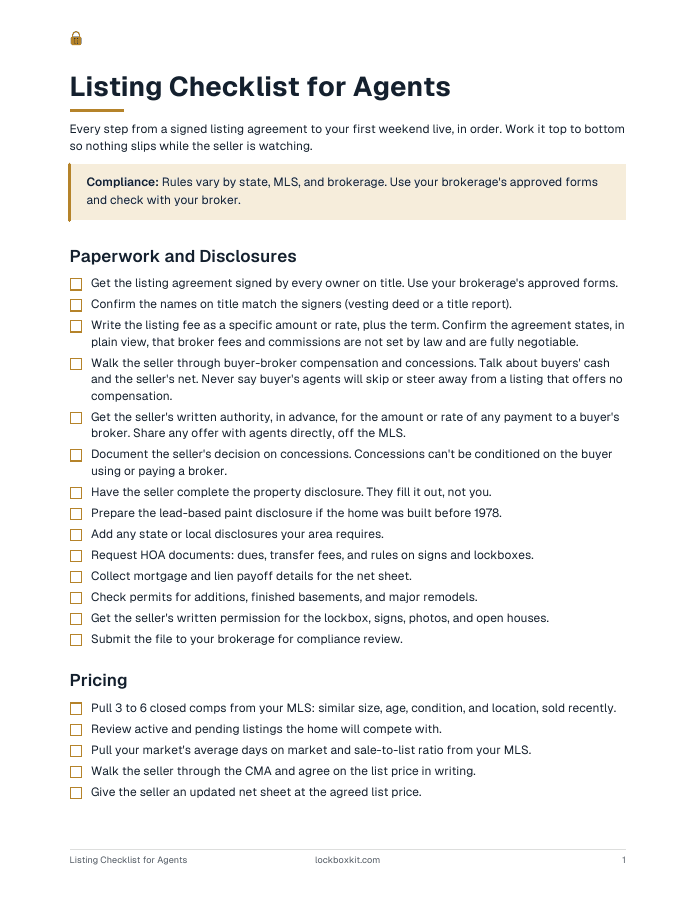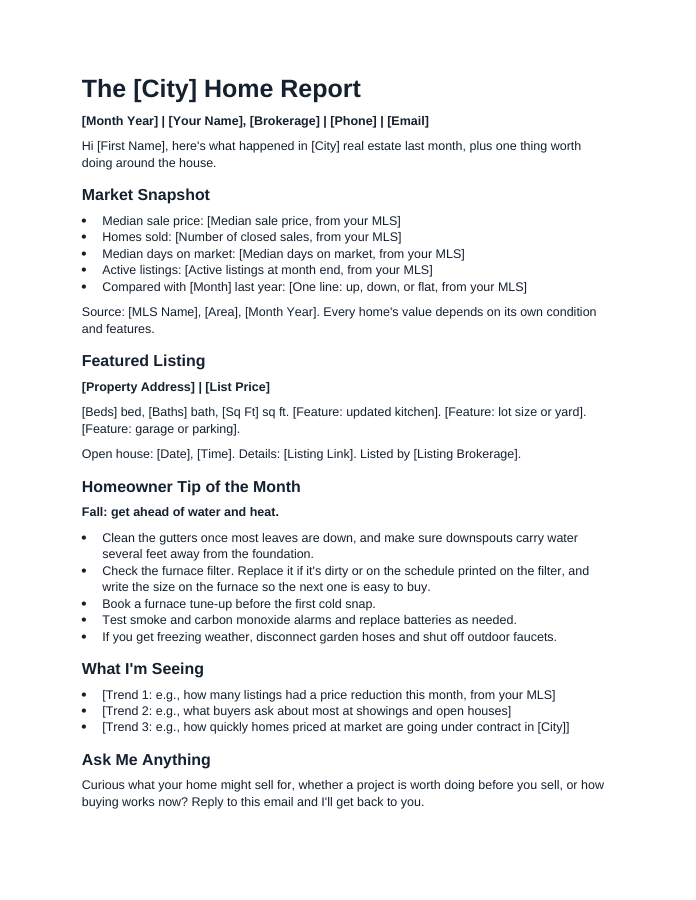
A real estate flyer template saves you from starting at a blank page every time you take a listing. The trick is using the right flyer for the job: a property flyer sells the home, a just listed flyer starts conversations with neighbors, and a just sold flyer shows your results. Below are the flyer types, the copy to put in each, where to find templates, and a quick check to run before anything goes to the printer.
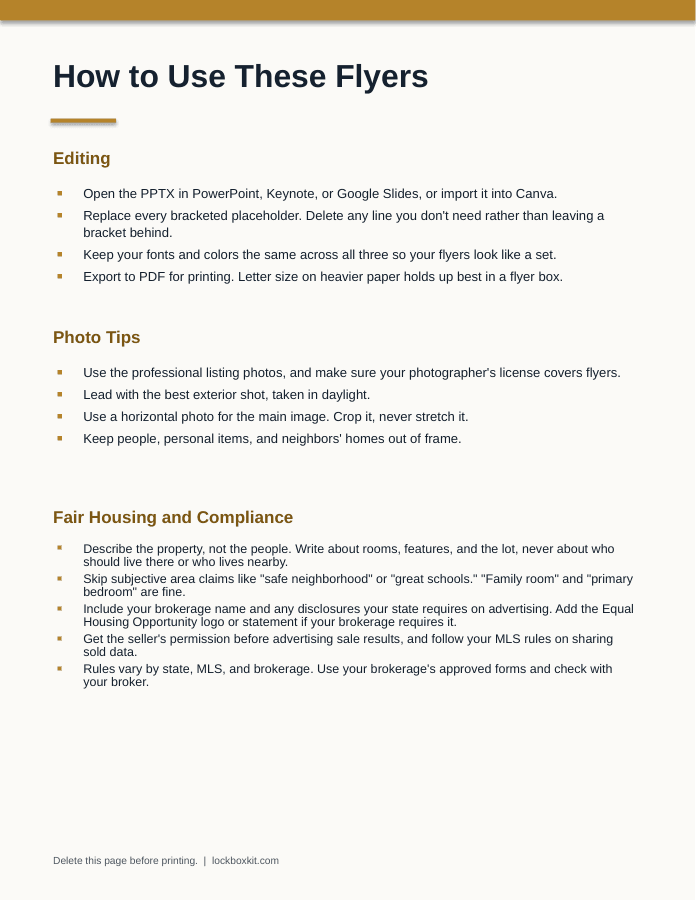
The free download is a letter-size PPTX with a how-to slide plus a property flyer, an open house flyer, and a just sold flyer. Each has photo placeholders and a footer for your contact details, logo, and required brokerage disclosures. It opens in PowerPoint, Keynote, or Google Slides, and imports into Canva.
Pick the Right Real Estate Flyer Template for the Job
| Flyer | Goal | Main audience |
|---|---|---|
| Property flyer | Sell this home | Buyers and agents |
| Open house | Get people through the door | Buyers and neighbors |
| Just listed | Start seller conversations | Neighbors |
| Just sold | Show results | Neighbors and your farm |
| Price change | Re-engage buyers | Buyers and agents |
| Seller services | Win listings | Homeowners |
It's easy to build only the first one. The others often do more for your pipeline.
Anatomy of a Property Flyer Template
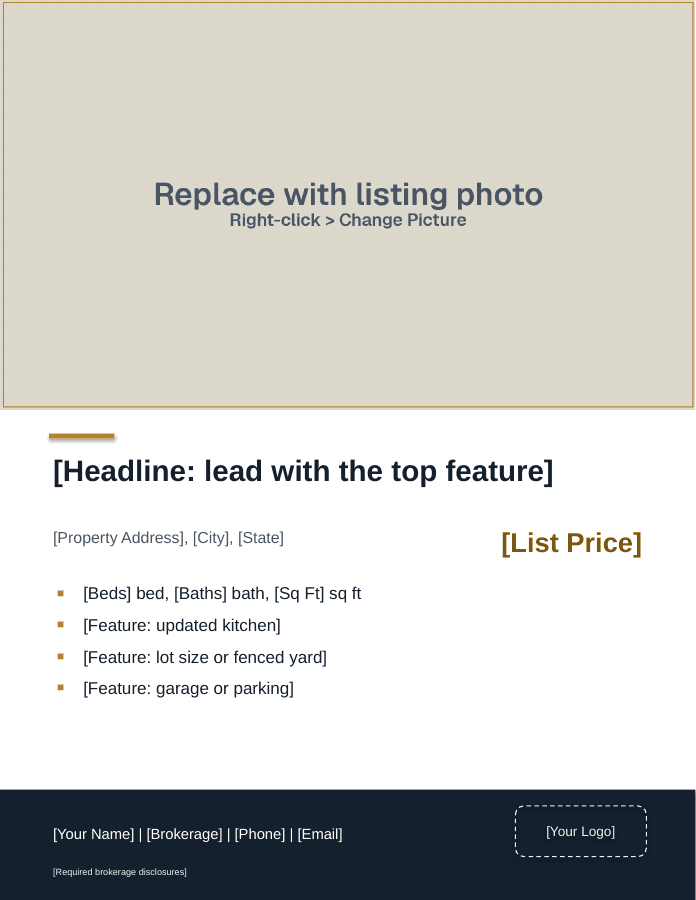
From top to bottom, a property flyer template should have:
- Photo. One large photo, plus up to three small ones if you have room: exterior, kitchen, main living space, best outdoor shot.
- Headline. The one feature buyers will remember.
- Fact line. [List Price] | [Beds] bd | [Baths] ba | [Square Feet] sq ft (source) | [Lot Size] lot
- Description. 60 to 90 words. More than that and nobody reads it.
- Features. Specific bullets with years and brands where you have them.
- Updates. Roof, HVAC, water heater, windows, with install years.
- QR code. To the property page, video tour, or showing request.
- Contact block. [Your Name], [Phone], [Email], [Brokerage], and any license number your state requires.
- Fine print. Your brokerage's required disclaimer, plus the Equal Housing Opportunity logo or statement if your brokerage requires it.
Your brokerage name is not optional. NAR's Code of Ethics requires members to show their firm's name in any advertising, and state rules can be specific. Texas, for example, requires the broker's name in at least half the size of the largest contact information for an agent or team.
Tip: For a commercial listing, swap beds and baths for building size, lot size, zoning, parking, and the price or lease rate.
How to Write the Property Description
Use this order: the memorable feature, the layout, the updates, the outdoor space, then location facts in minutes or miles. Here is a sample you can adapt:
Say this: [Property Address] is a [Number]-bedroom, [Number]-bath [Style] on a [Lot Size] lot. The kitchen opens to the family room, with a gas fireplace and a door to the [Size] deck. The kitchen was updated in [Year] with quartz counters, a gas range, and a walk-in pantry. Upstairs, the primary suite has a walk-in closet and double vanity. Roof [Year], furnace [Year]. [Number] minutes to [Highway] and [Park Name].
Notice what's missing: vague adjectives, and any line about who the home suits. Describe the property, never the people who might live there. Skip phrases like "perfect for young couples" or "adults only," and leave subjective claims like "safe neighborhood" or "great schools" off the flyer. Room names like "family room" and "master bedroom" are fine under HUD's long-standing guidance. If a buyer asks about schools or crime, you can share objective, sourced data, as long as every buyer gets the same information.
Tip: Ask the seller for receipts and permits before you write. A flyer that says "furnace [Year]" is only useful if the year is right.
Real Estate Flyer Layouts and Copy
The property, open house, and just sold flyers are in the free download. For the other three, start from the property flyer layout and swap in the copy below.
1. The property flyer
Letter size, a large photo on top, then the headline, address, price, and feature bullets, with your contact block in the footer. Floor plan or extra photos on the back. This is the one for showings, open houses, and the yard sign box.
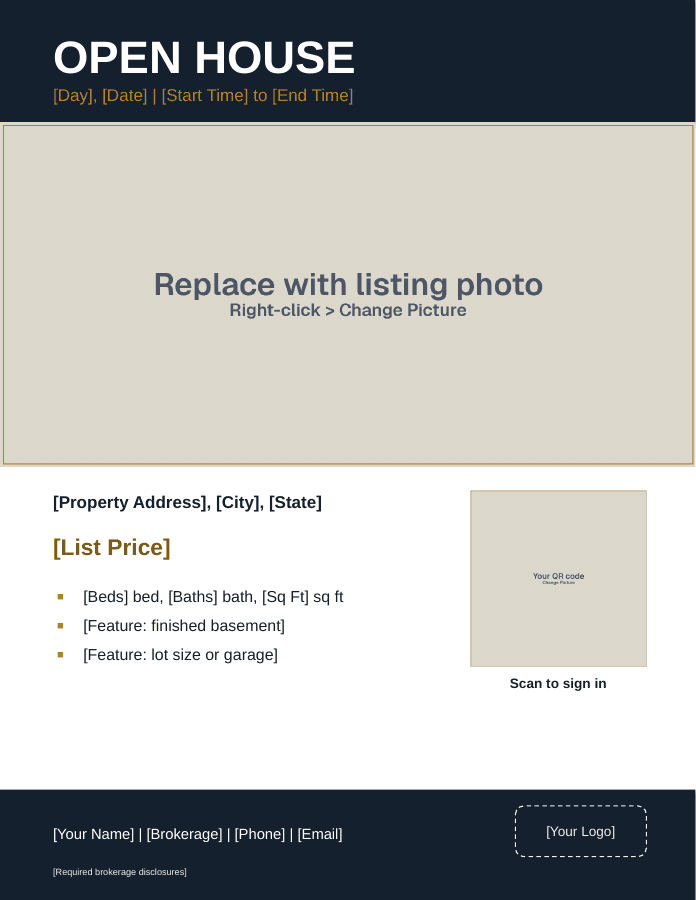
2. The open house flyer
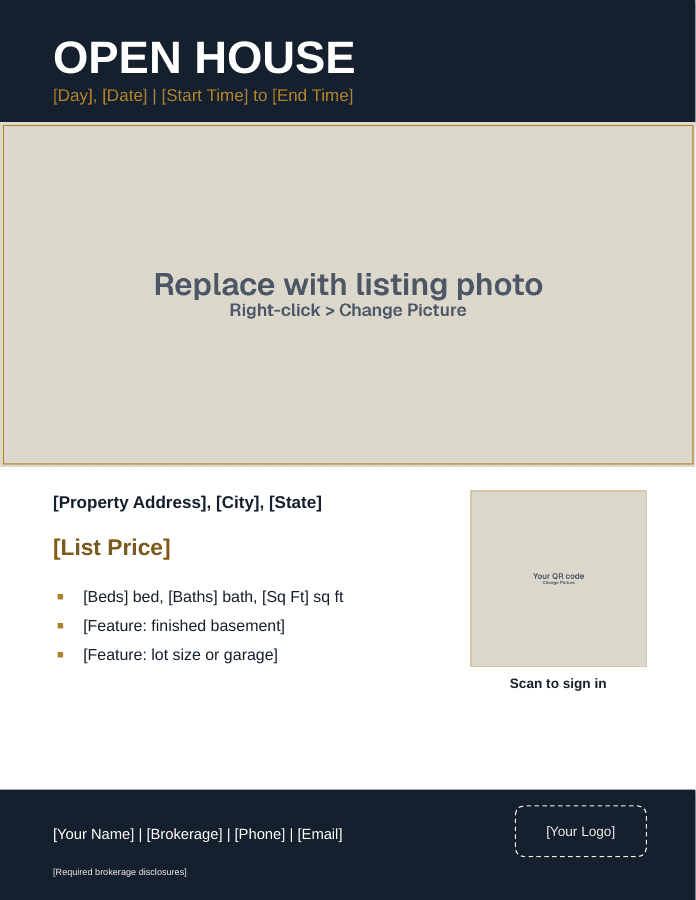
"Open House" with the day, date, and time across the top, a large photo, the property facts, and a box for a QR code that opens your sign-in form. Hand it out at the open house and post it the week before.
3. The just listed flyer
A half-sheet or postcard for the surrounding blocks within a few days of going live.
Say this: Just listed near you: [Property Address]. [Beds] bed, [Baths] bath, [List Price]. If you've wondered what your own home would sell for in this market, I'm happy to put together a no-pressure price opinion. [Your Name], [Brokerage], [Phone].
4. The just sold flyer
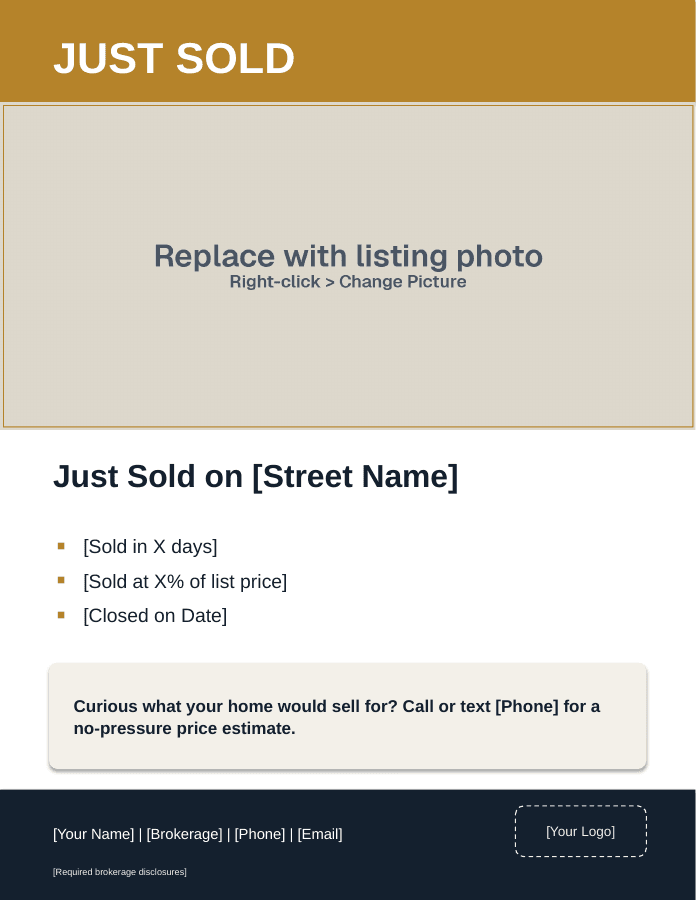
Same audience, sent after closing. Get your client's OK before advertising the sale, describe your role accurately, and follow your MLS rules on sharing sold data and sale prices.
Say this: Just sold: [Property Address]. I represented the [seller or buyer] on this sale. If you're thinking about a move in the next year, I'd be glad to walk you through what homes like yours are selling for. [Your Name], [Brokerage], [Phone].
5. The price change flyer
A reprint of the property flyer with a clear band across the top: "New price: [List Price]." Send it to every agent who showed the home and every open house visitor who opted in to updates.
6. The seller services flyer
A page for homeowners who aren't selling yet. Three short sections: what you'll do before listing, how you'll price and launch, and how to reach you. Add a QR code to a price opinion request form. Leave out any claim you can't back with your own results.
Send just listed, just sold, and seller services flyers to every home on your route or farm. A general mailing is fine even if a few of those homes are listed, but NAR's Code of Ethics bars pulling out owners you know are listed with another brokerage and targeting them. On door drops, respect "No Soliciting" signs and local rules.
Compliance: Flyers, yard signs, and websites count as public marketing under NAR's MLS policy, and a listing has to be submitted to the MLS within one business day after public marketing starts. Office exclusive listings can't be publicly marketed, and coming-soon and delayed marketing options vary by MLS. Check before you print a flyer for a home that isn't in the MLS yet. Rules vary by state, MLS, and brokerage. Use your brokerage's approved forms and check with your broker.
Where to Find Free Real Estate Flyer Templates
| Source | Good for | Watch for |
|---|---|---|
| Our free PPTX | Listing, open house, just sold | Built for letter-size printing |
| Canva, Adobe Express | Large template libraries | Generic designs, license terms |
| PowerPoint, Google Slides | Full layout control | Start from a good template |
| Word | Text-heavy flyers | Photos are harder to place |
Whatever you use, make one master version in your brokerage's colors and reuse it. Consistency is what makes neighbors recognize your flyers.
What Makes a Good Real Estate Flyer: Design Rules
- One typeface for headlines, one for body text
- Body text at 11 points or larger
- White space around the photo and QR code
- Your brokerage colors, not five new ones
- No text over busy parts of a photo
- Phone number large enough to read at arm's length
- Real, current photos you have the right to use
Common Flyer Mistakes
- Wrong facts. A bedroom count that doesn't match the MLS makes buyers doubt everything else.
- Too many photos. Twelve thumbnails read as clutter. Four good photos read as a home.
- A description that repeats the fact line. If the fact line says three bedrooms, the description shouldn't.
- No reason to call you. Neighbor flyers need an offer, like a price opinion, or they go straight in the recycling.
- Old flyers left out. After a price change, pull every old copy from the house and the sign box the same day.
Before You Print
- Address, price, and facts match the MLS exactly
- Square footage includes its source
- Every year and brand in the features is confirmed with the seller
- QR code tested on a phone
- Brokerage name, license number (if required), and required disclaimers included
- Seller has approved the flyer
- No language describing people, only the property
- Test print checked for dark photos and small type
When to Use It
- Property flyer: every new listing, on the counter at showings and in the yard sign box
- Open house: printed for the event, posted on social media the week before
- Just listed and just sold: within a week of each milestone, mailed or dropped on nearby streets
- Price change: the day the new price goes live, by email as a PDF and in print
- Seller services: listing appointments, community events, and farm mailers
Save each finished flyer as a template for the next listing in that price range. By your third or fourth listing, you'll be changing photos and facts instead of rebuilding layouts.
Sources
- 42 U.S.C. 3604, Fair Housing Act (Cornell LII)
- HUD 1995 advertising guidance memo (copy hosted by Metro Fair Housing Services)
- NAR, 2026 Code of Ethics and Standards of Practice
- NAR, Clear Cooperation Policy Statement 8.00
- NAR, Multiple Listing Options for Sellers
- 22 Tex. Admin. Code 535.155, advertising rules (Cornell LII)
Questions agents ask
How can I create a real estate flyer?
Pick the flyer type first: a property flyer to sell a home, or a just listed or just sold flyer to reach neighbors. Start from a letter-size template, drop in your best photos, write a fact line and a short description, and add your contact details and brokerage name. Check every fact against the MLS, get your seller's approval, and export a PDF to print.
Can ChatGPT make me a flyer?
It can help with the writing. Ask it to tighten a description you wrote from real facts or to suggest a few headlines, then edit the result yourself. Don't let it invent features, measurements, or years, and remove any wording that describes the kind of buyer instead of the home. Use only real photos of the property. You are responsible for everything on the final flyer.
Where can I find free flyer templates?
Free templates come from design tools like Canva and Adobe Express, from the built-in templates in Word, PowerPoint, and Google Slides, and from real estate sites that offer downloads. Ours is a free PPTX with a property flyer, an open house flyer, and a just sold flyer, editable in PowerPoint, Google Slides, Keynote, or Canva. Check each tool's license terms before you use its images.
Where can I find a free template for a house for sale flyer?
A house for sale flyer is a property flyer: one large photo, a headline, the address and price, beds, baths, square footage, a few specific features, and contact details. Our free download includes one with photo placeholders, editable in PowerPoint, Google Slides, Keynote, or Canva. If you're an agent, add your brokerage name and any disclosures your state and brokerage require.
What is the best flyer template site?
There isn't one best site. Canva and Adobe Express have large free libraries and are easy to share with a team. Slide programs like PowerPoint and Google Slides give you full control over the layout. For real estate, the best template has a big photo area, a clear fact line, room for your brokerage name, and a layout you can reuse for every listing.
What is the best way to advertise my house for sale?
For a listed home, exposure starts with the MLS, which shares the listing with other agents and, through syndication, many listing sites. Add strong photos, a yard sign, open houses, social posts, and a flyer that ties it together. Sellers weighing an office exclusive or delayed marketing should ask what exposure they give up, since MLS rules on those options vary.